
Overview
S3D DBX for Navisworks extracts Hexagon Smart3D models with intelligent data to create Autodesk Navisworks NWC files. It goes beyond simple geometry — delivering a rich Navisworks experience with:
- 3D Model with appearance and surface styles
- Exact system hierarchy as model tree structure
- Configurable properties extraction
- Labels (equipment, pipe, etc.)
- S3D Grid System converted to native Navisworks Grid
- Built-in DIMPORT® for accurate piping dimensioning
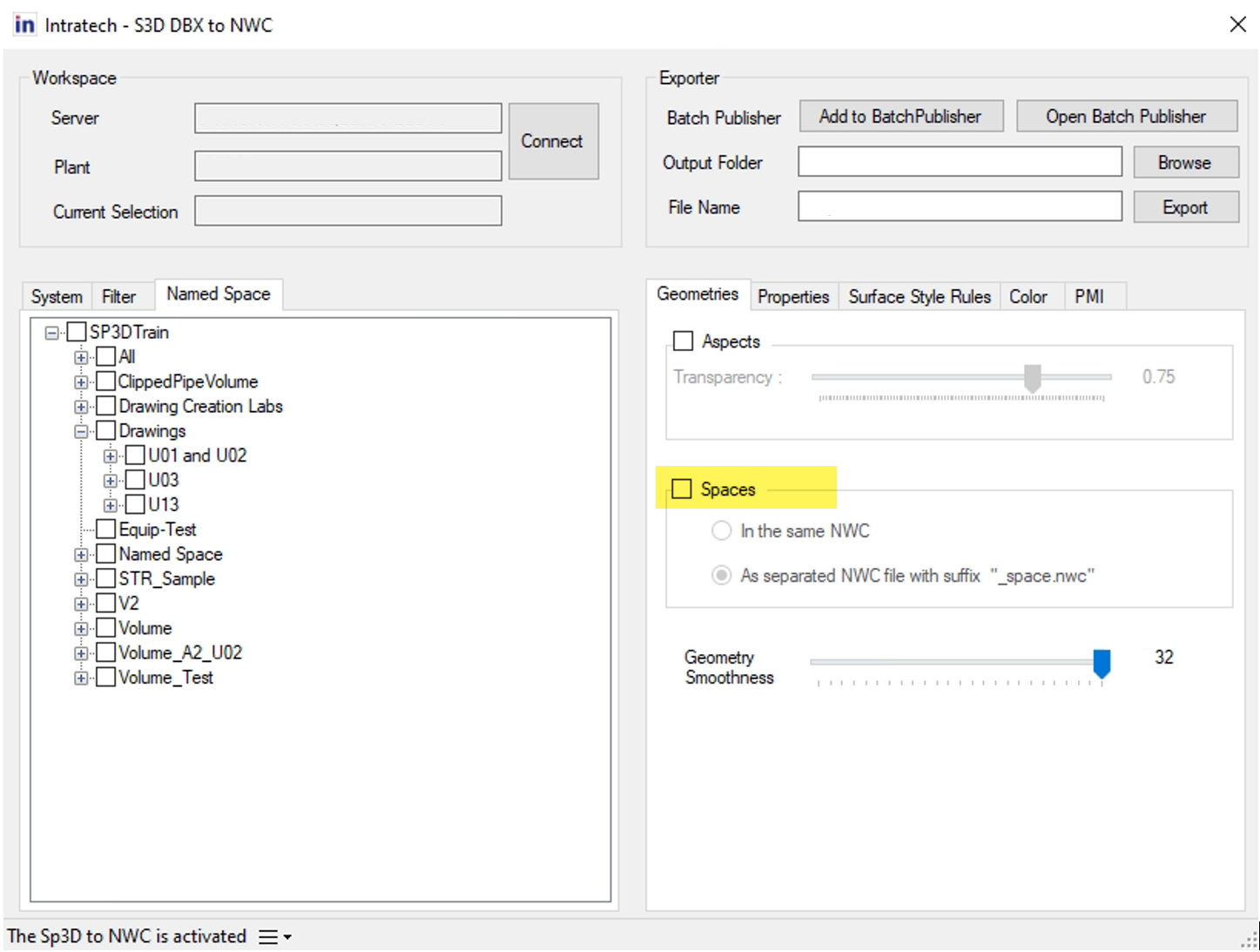
S3D DBX to NWC has been verified by customers around the world and improves productivity with cache technology that dramatically shortens the time for iterative model conversions.
Key Features
1. Flexible Extraction Methods
Select the model to extract by System Path or Filter. Spaces can be exported alongside your selection.
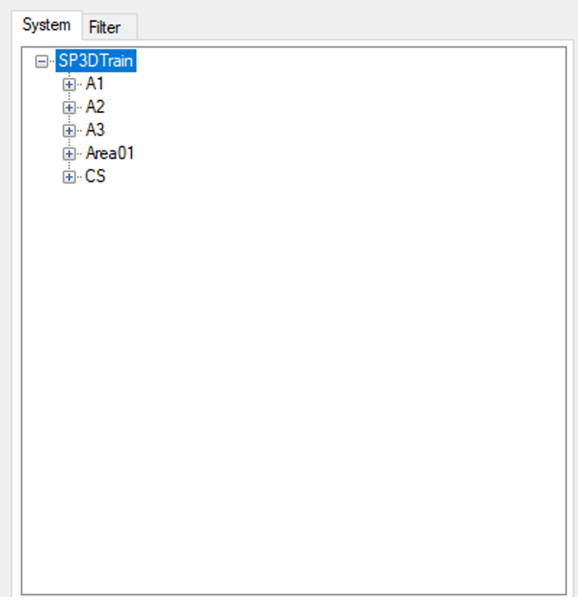
System Path
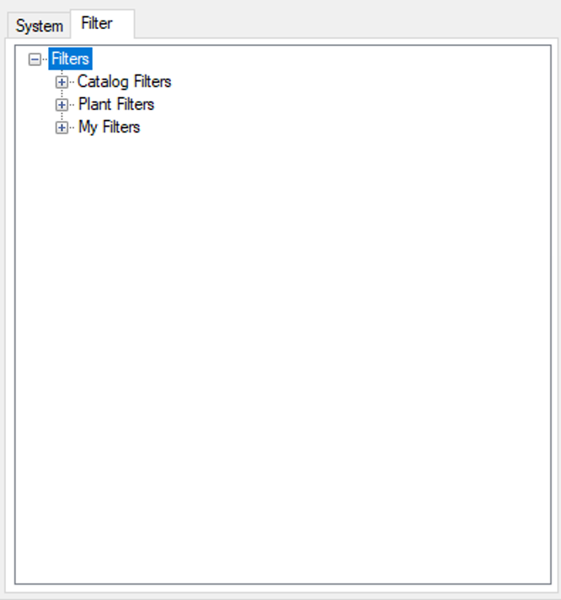
Filter
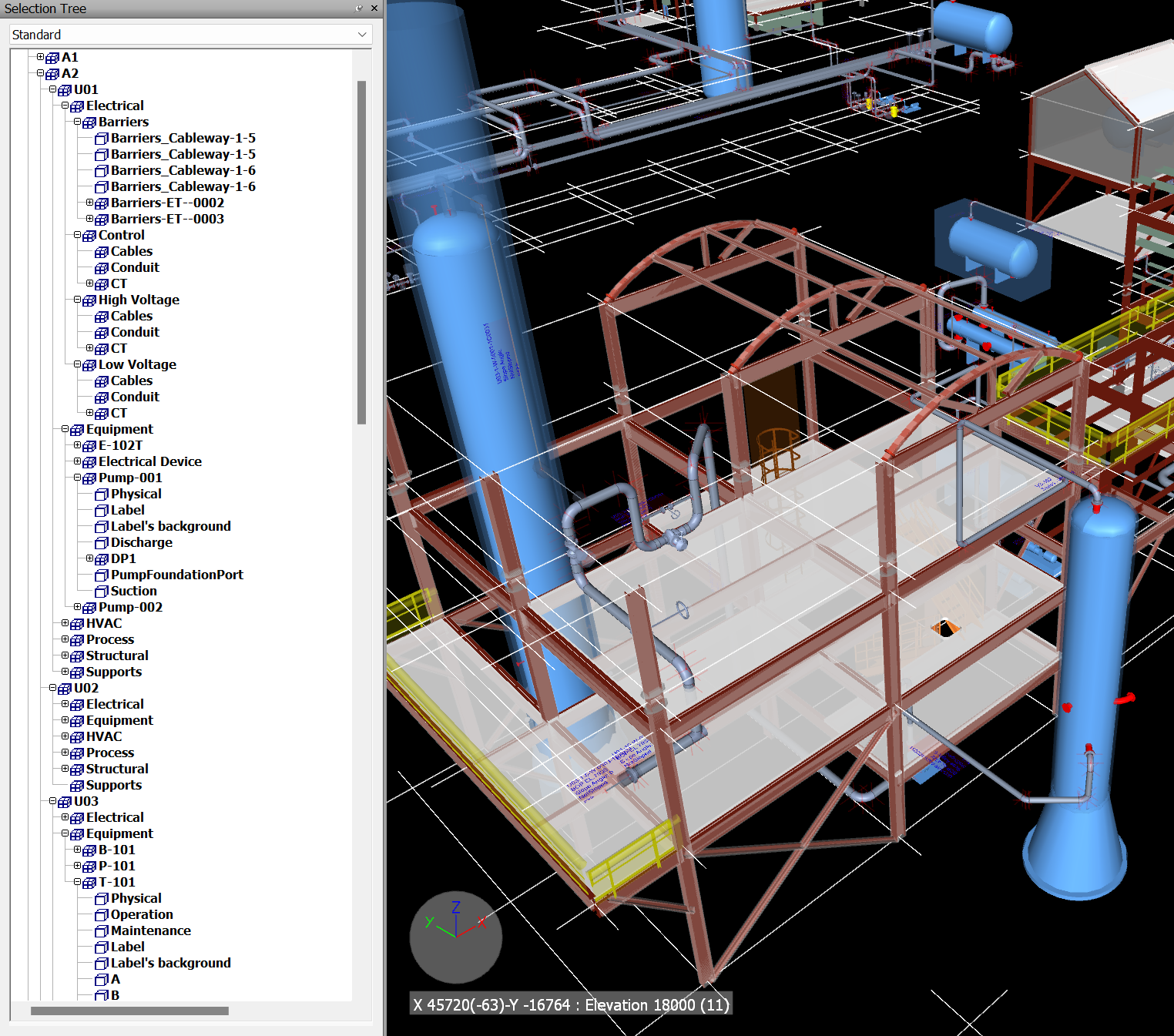
The system tree structure of S3D is extracted as the same tree structure in Navisworks.
2. S3D Properties Extraction
- Extract S3D default properties
- Extract additional properties by configurable SQL queries
- Extract additional properties by COM using relationship information
3. Aspect Extraction
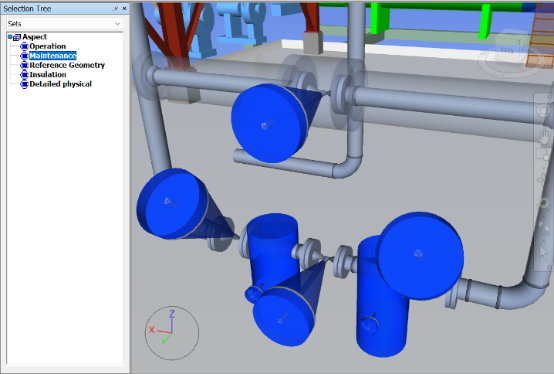
Export Operation space, Maintenance space, Insulation, and other aspects from S3D.
4. S3D Material Style Reproduction
Read the Material Style from S3D Project Management Tool and reproduce it in Navisworks. You can also apply Surface Style Rules to set styles based on properties.
5. Grid System Conversion
All coordinate systems included in the extracted model are converted to native Navisworks Grid Systems.
6. Configurable Label Exporting
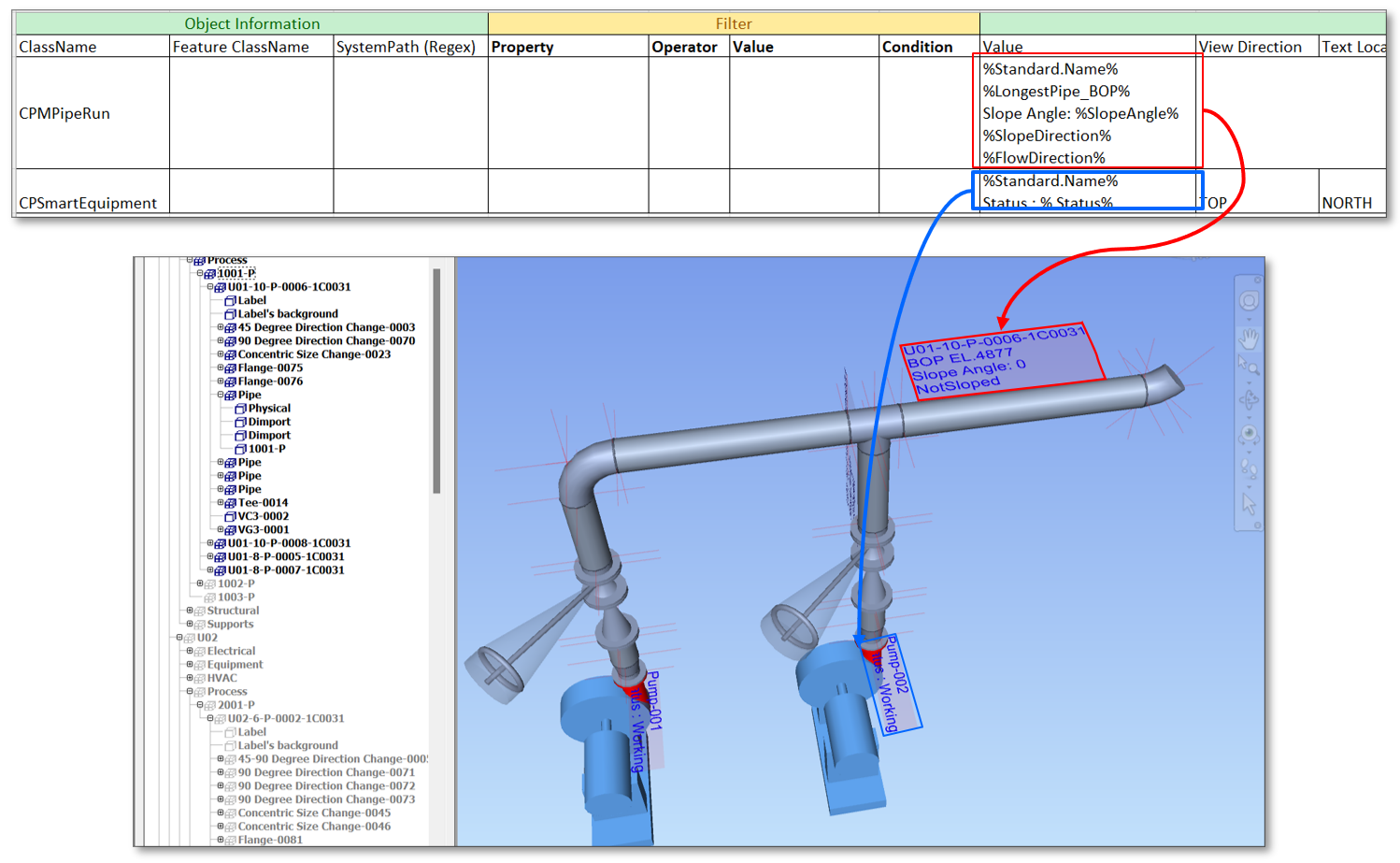
Create labels by configuration file — equipment labels, pipe labels, and more.
7. DIMPORT® — Accurate Piping Dimensioning
Built-in DIMPORT at reference points of piping elements allows users to dimension accurately using Navisworks's native Measuring tool. Also supported in Navisworks Freedom.
8. Cache Database for Fast Iterations
On the first extraction, geometry and properties are cached. Subsequent extractions only process updated items, dramatically reducing extraction time for iterative workflows.
9. Navisworks Selection Sets
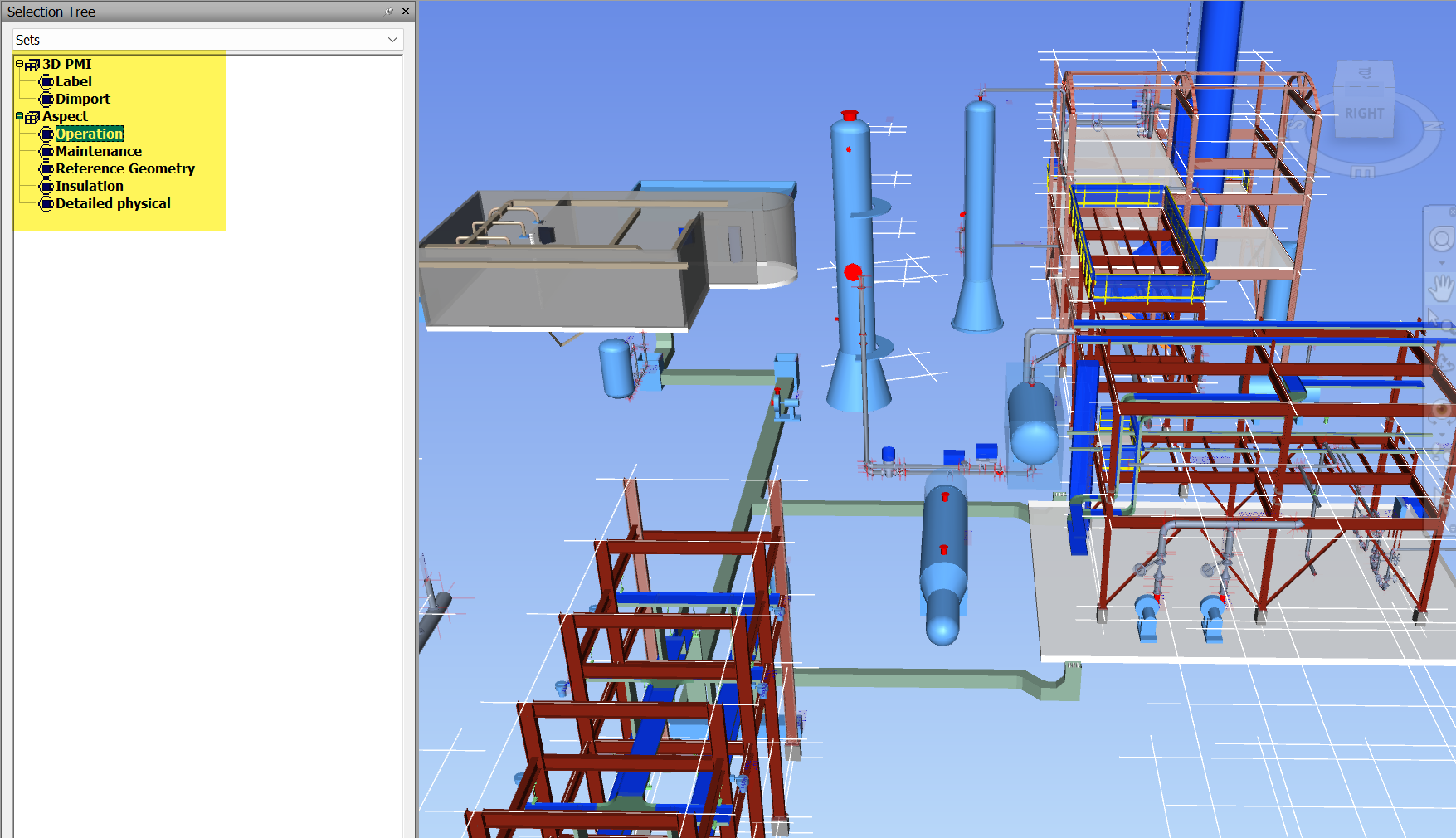
PMI (Labels and DIMPORTs) and Aspects are grouped into Selection Sets for easy show/hide manipulation.
10. Optional Batch Publisher
Save extraction settings and schedule batch extraction for automated workflows. (Available as a separate add-on.)
Navisworks Plug-in
A companion Navisworks plug-in provides additional features:
| Feature | Description |
|---|---|
| Notes Navigator | List of S3D Notes with filtering support |
| Clipping by Grid | Clipping based on grids exported from S3D |
| Label & Dimport On/Off | Toggle display for DIMPORT and label elements |
Products
- S3D DBX to NWC — Main Application
- Batch Publisher — Optional add-on for scheduled batch extraction
- Navisworks Plug-in — Companion plug-in for S3D-specific Navisworks features